Launch your iOS & Android app from a proven Flutter template.
Production-ready templates for e-commerce, news, and marketplace apps — FluxStore, FluxNews, and more. Customize visually with FluxBuilder and publish to the App Store & Google Play in days, not months.
- Full Flutter source code included
- Works with WooCommerce, Shopify, Magento & more
- 6 months support & lifetime updates
 Rated 4.6/5 by 26,000+ customers on Trustpilot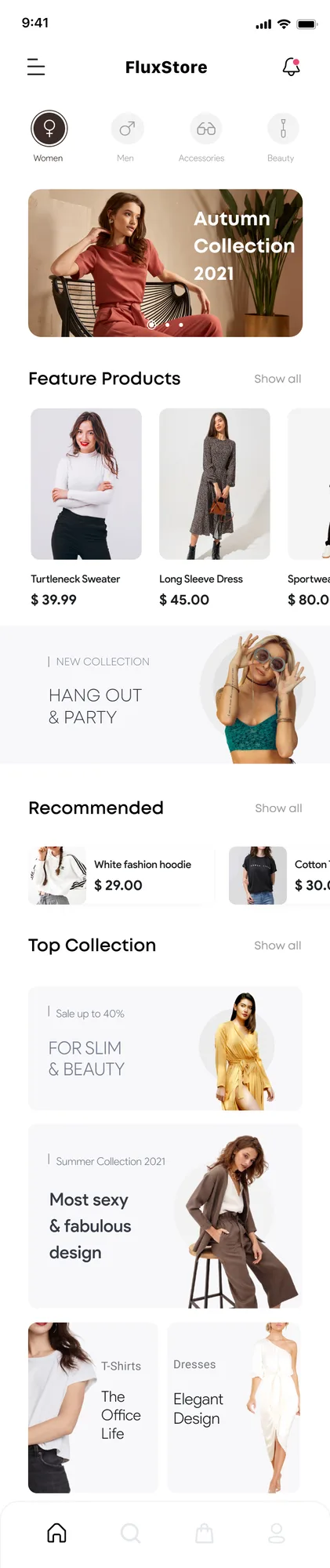
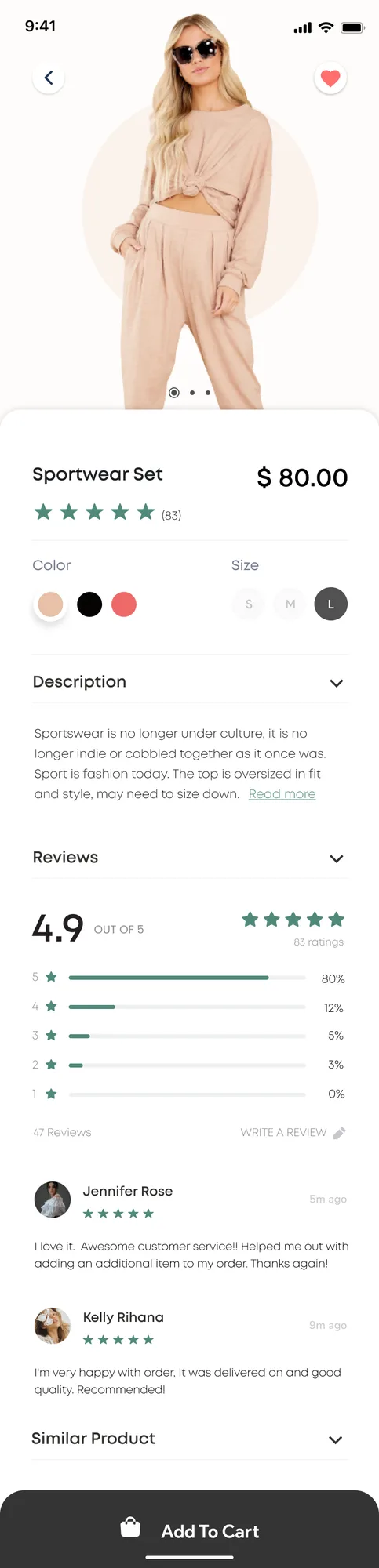
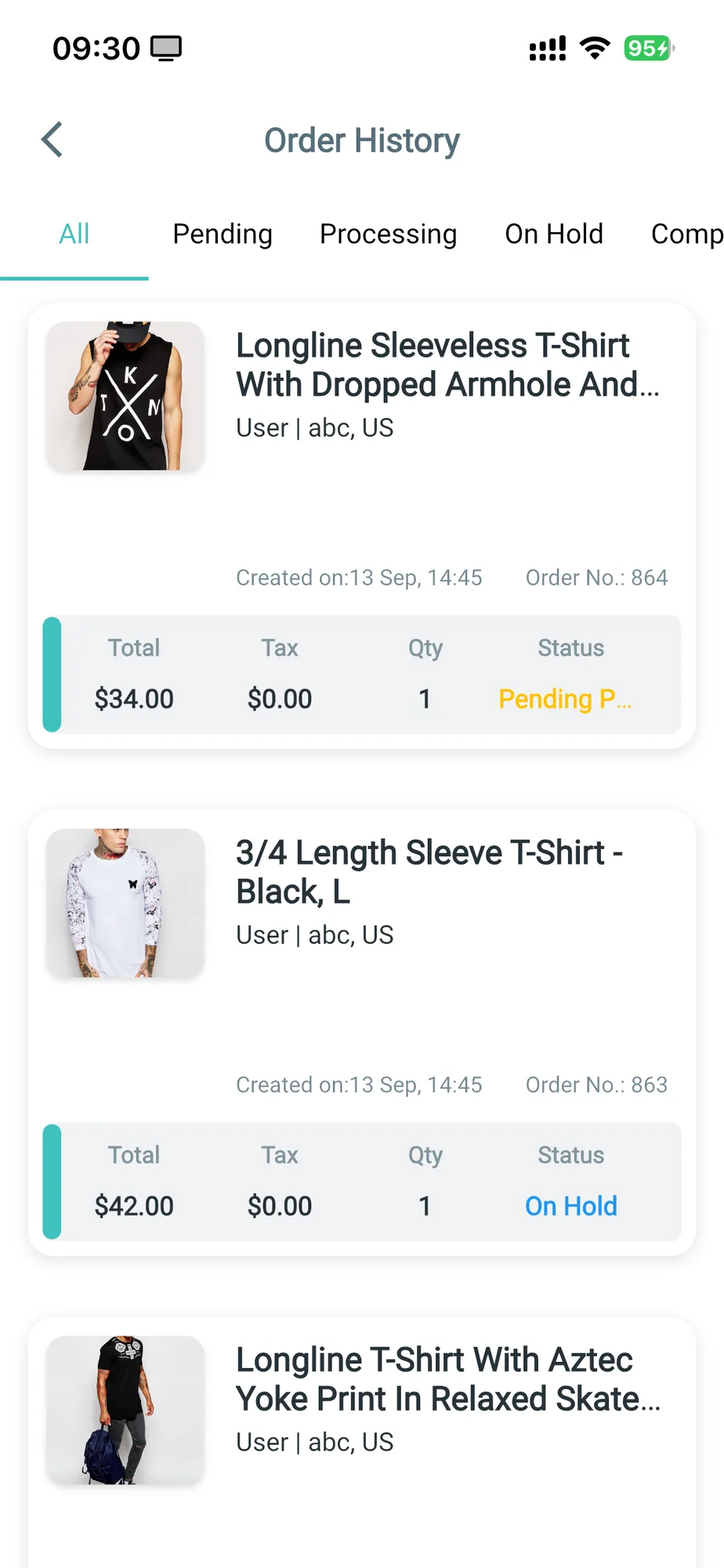
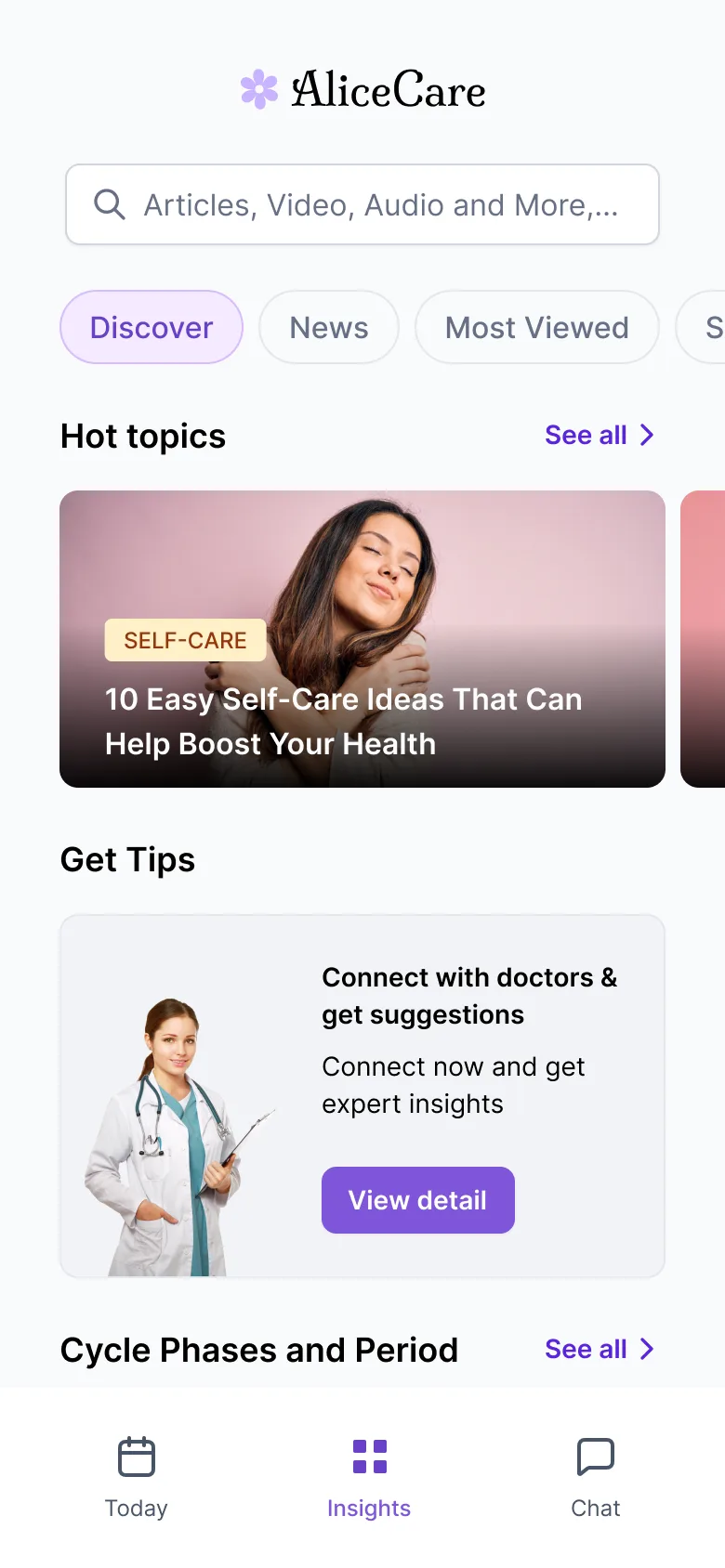
FluxStore
E-commerce template · WooCommerce, Shopify & more
Trusted by 26,000+ developers and agencies building on








What are you building?
Pick your platform and we'll point you to the right starting point — every option ships with source code or a visual builder.
I sell on WooCommerce
Best sellerSyncs products, orders, and coupons with your WordPress store.
I sell on Shopify
Connects to your Shopify storefront with native checkout.
I run a marketplace
Multi-vendor storefront for WCFM, Dokan, and WC Vendors.
I don't want to code
Drag-and-drop app builder — customize and publish visually.
Best-selling Flutter app templates
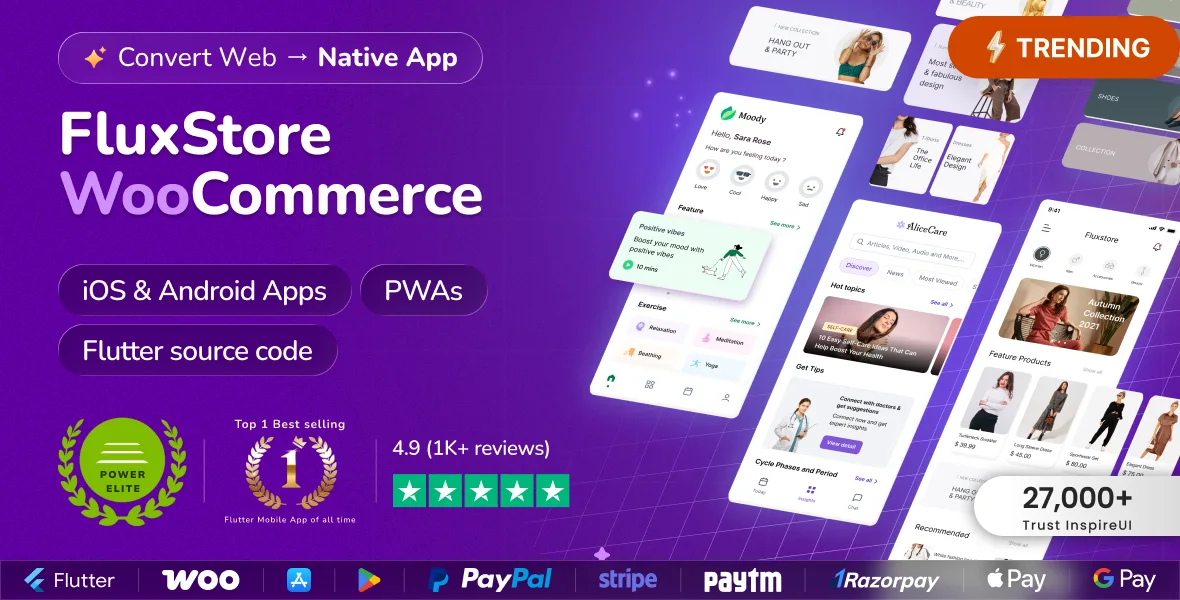
Fluxstore WooCommerce - Flutter E-commerce Full App
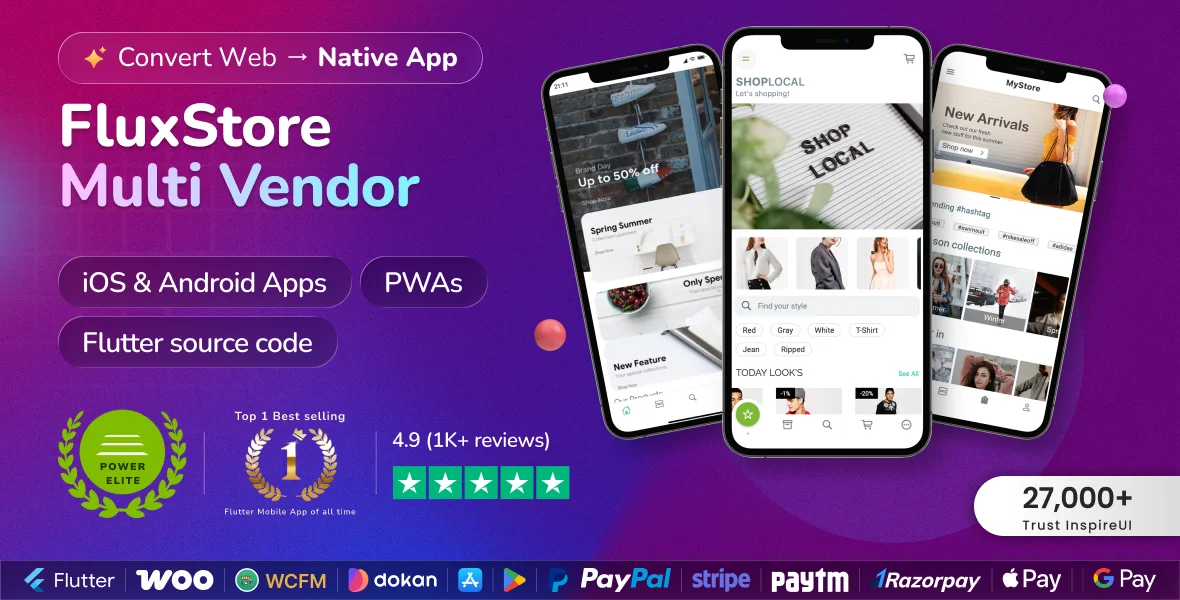
Fluxstore Multi Vendor - Flutter E-commerce Full App
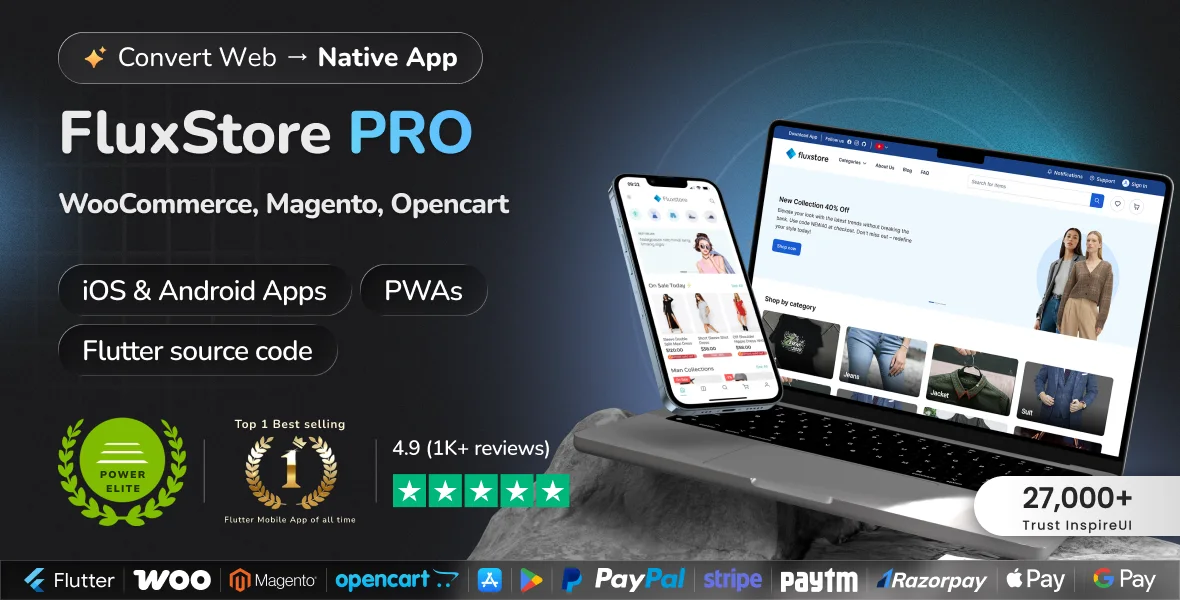
Fluxstore Pro - Flutter E-commerce Full App For Magento, Opencart, And Woocommerce
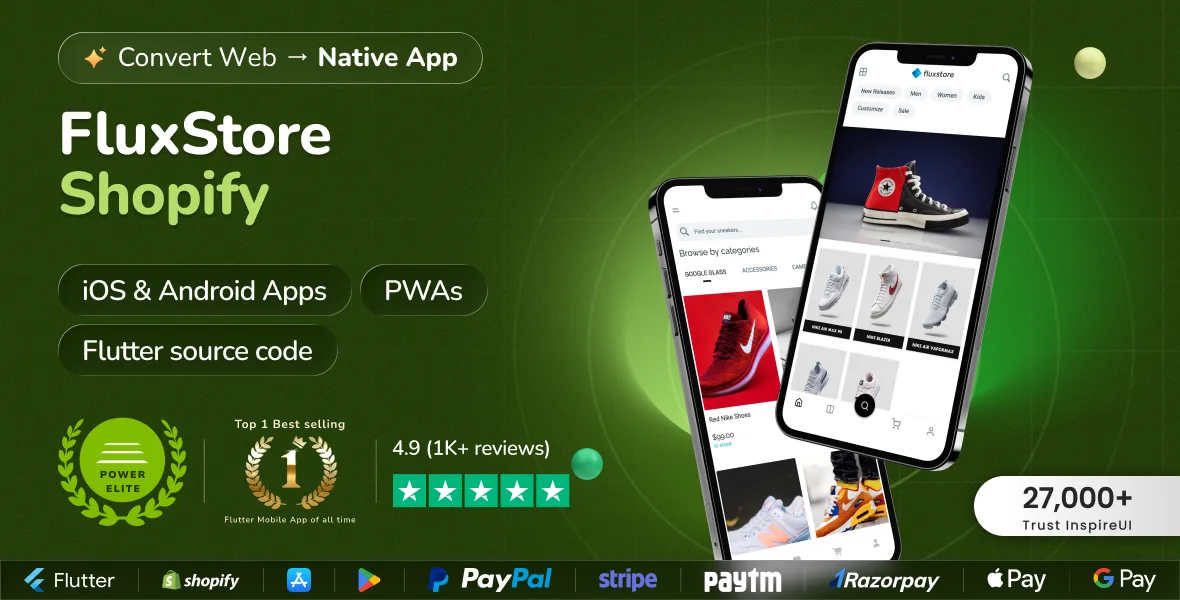
FluxStore Shopify - The Best Flutter E-commerce App
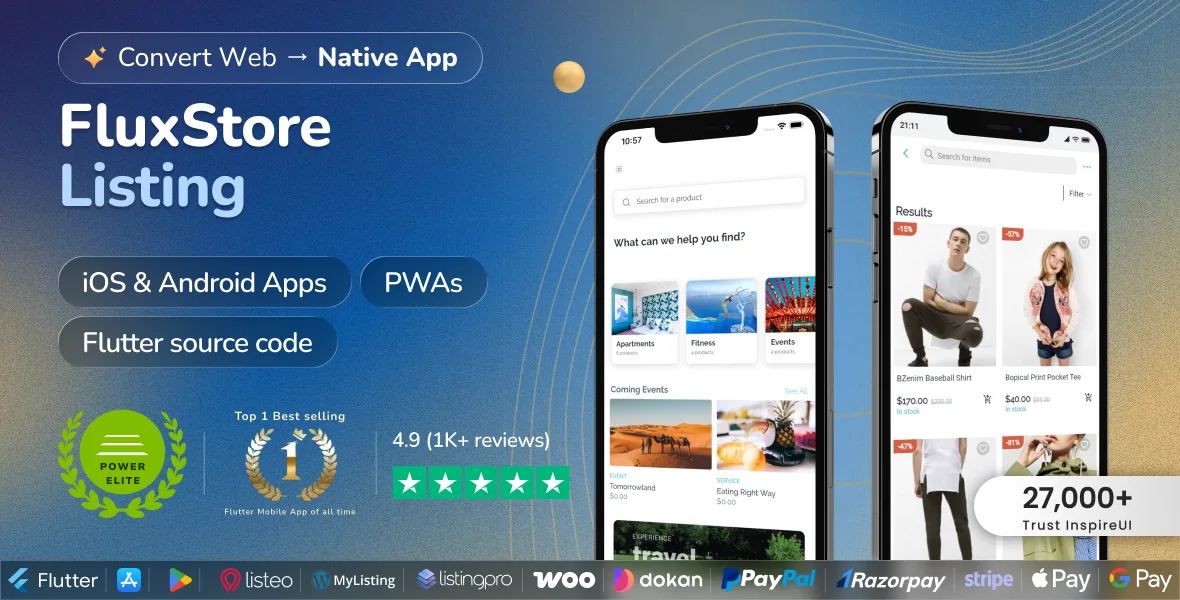
FluxStore Listing - The Best Directory WooCommerce App By Flutter
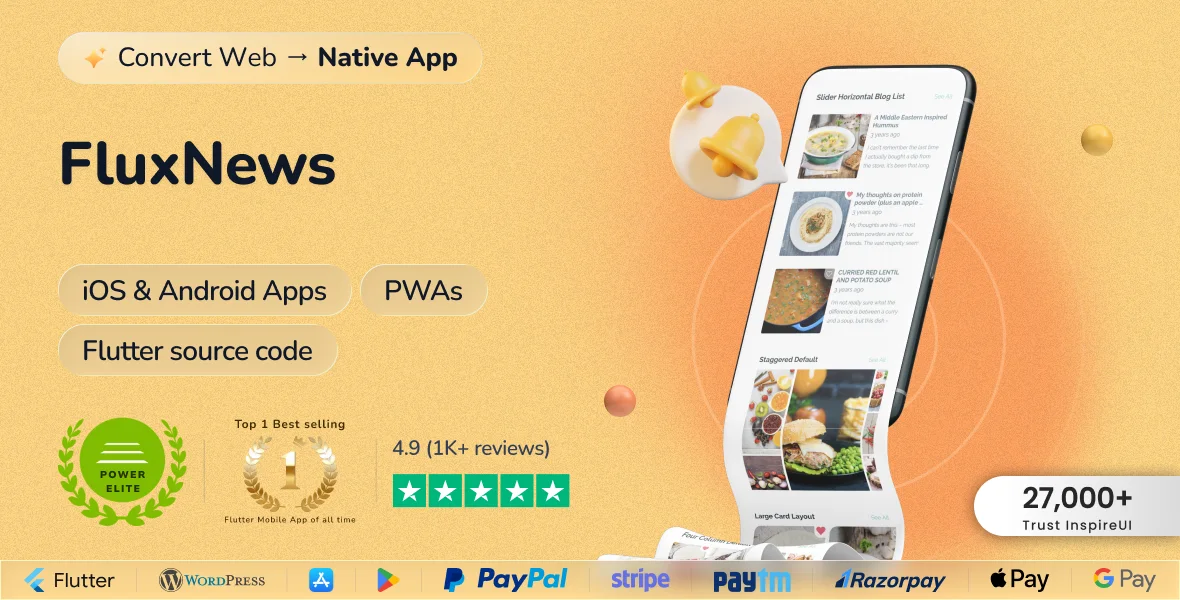
FluxNews - Flutter Mobile App For Wordpress
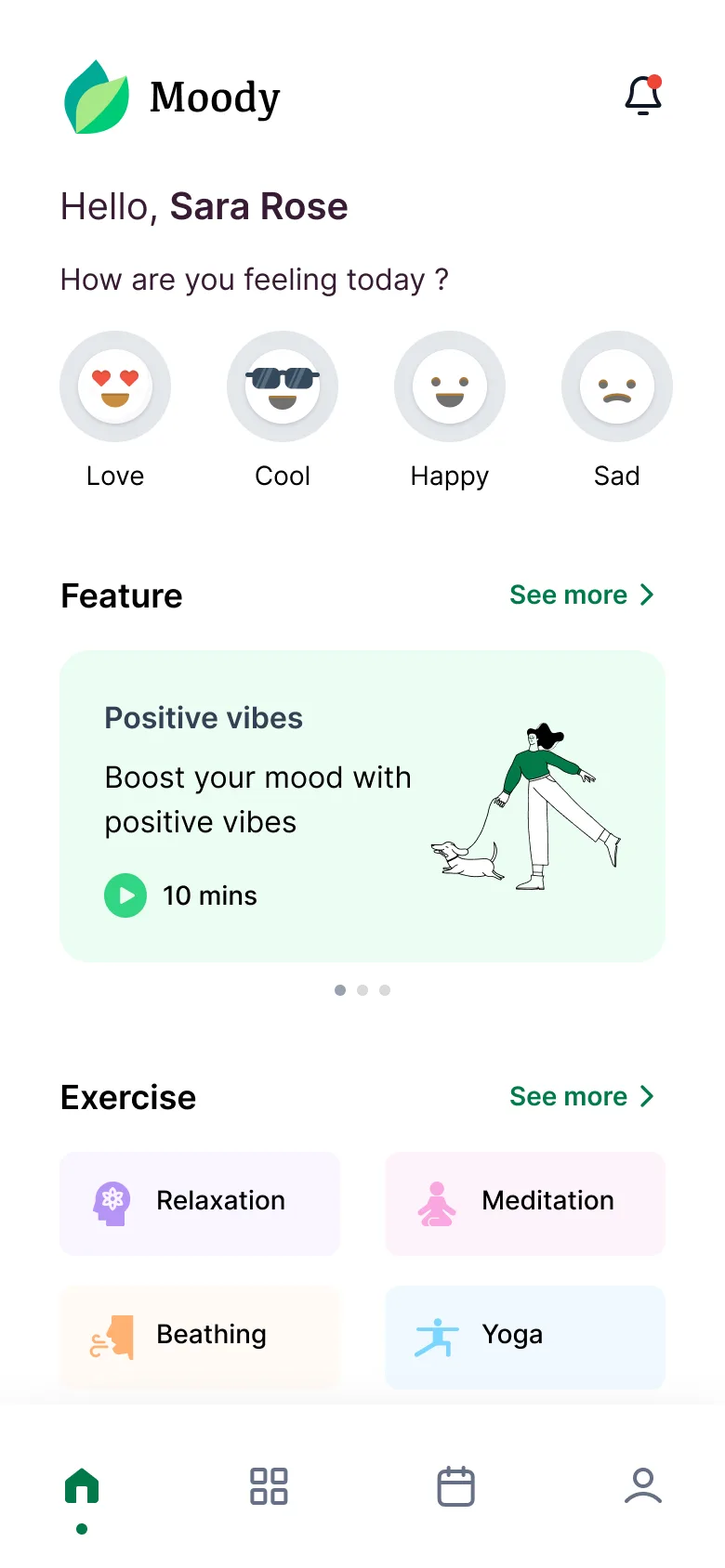
Apps our customers shipped
Live on the App Store and Google Play — built from the same templates you can start with today.


Customer reviews
4.6 out of five star rating on Trustpilot26,000+ customers · 10,000+ apps on the stores · 148 countries
I've been using their products for some time and built 3 Apps based on FluxStore. It gives an excellent platform that can be extended if you have coding knowledge. The Support is extremely helpful and gives insightful tips on how to overcome challenges.
MartinPortugal
 #Trustpilot
FluxBuilder is great for people without coding experience. The support is quick and efficient. It is easy to get shoot a ticket or give feedback about the functionalities. I'm currently in the process of submitting the first app to the PlayStore.
S DoorenNetherlands
#TrustpilotThe whole experience with inspire UI has been amazing. The product is outstanding and very easy to use, the guidelines are super complete and coherent. And they have given me the best support and customer service. Thumbs up!!
AnColombia
#TrustpilotStart with the right app foundation.
Pick a template, make it yours, and ship to both app stores. If you get stuck, our team has your back.
- Full Flutter source code — yours to keep and modify
- 6 months of support and lifetime updates included
- 30-day money-back guarantee — try it risk-free
- Step-by-step docs at support.inspireui.com

We use cookies to improve your experience. By continuing to browse, you agree to our use of cookies.